How to Check Train Seat Availability on IRCTC – Complete Guide 2026
Check real-time train seat availability for any Indian Railways train across all classes and quotas. Step-by-step guide using ConfirmYatra and IRCTC for Sleeper, AC, Tatkal, and Ladies quota.

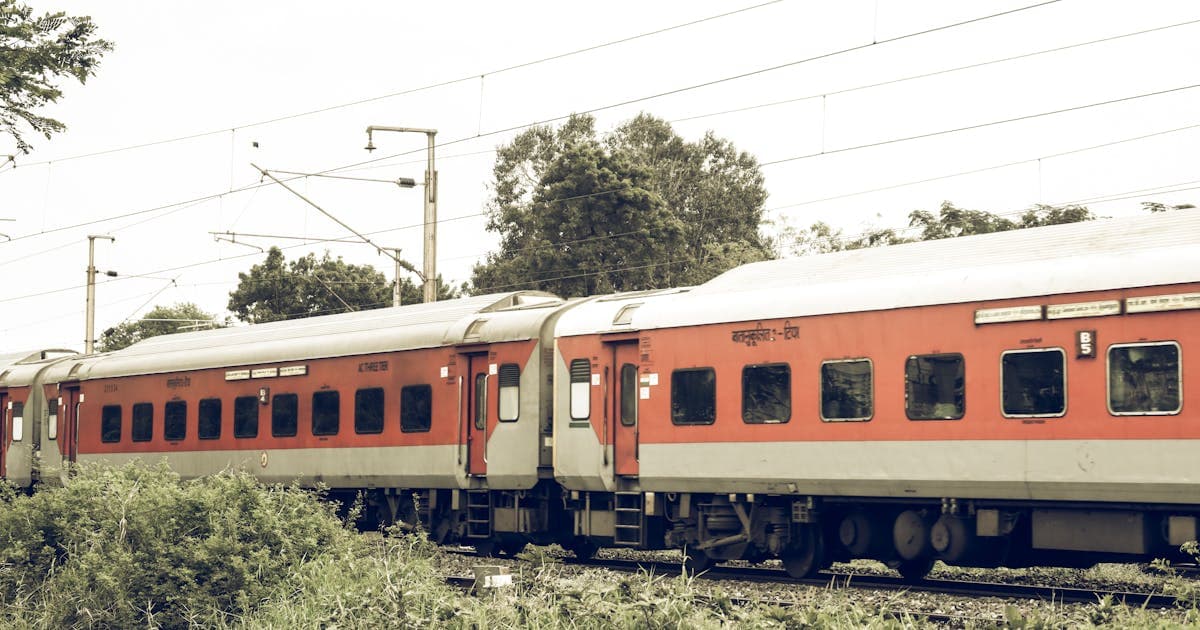
Before you book a train ticket, the first question is always the same — are seats available? Checking seat availability helps you pick the right train, the right class, and the right date. It also tells you whether to book now or wait, and whether to go for general quota or Tatkal.
Here is how to check seat availability quickly, and more importantly, how to read the results so you actually understand what they mean.
Checking Availability on ConfirmYatra
ConfirmYatra shows real-time seat availability for all 13,000+ Indian Railways trains. Here is how:
Step 1 — Go to confirmyatra.co.in and use the search form on the homepage.
Step 2 — Enter your departure station and destination station. You can type the station name or code.
Step 3 — Select your travel date.
Step 4 — Click Search. The results show every train running between your stations on that date.
Step 5 — Each train card shows availability by class — Sleeper, 3AC, 2AC, 1AC, CC, and others. You will see status codes like AVL (Available), WL (Waitlist), and RAC.
The advantage of using ConfirmYatra over the IRCTC site is that you see availability for all trains at once in a clean layout, making comparison much easier.
Understanding Availability Status Codes
When you check availability, you will see these codes:
AVL 45 — Available. 45 berths are still free. You can book with confidence.
RAC 3 — Reservation Against Cancellation position 3. The train is full, but you can still board with a shared berth. See our RAC article for details.
WL 12 — Waitlist position 12. Your booking will be on the 12th position in the waiting queue. Confirmation depends on cancellations.
REGRET / NOT AVAILABLE — No more bookings possible in this quota and class. The train is completely full.
GNWL — General Waitlist. Standard waitlist for origin-to-destination bookings.
RLWL — Remote Location Waitlist. For intermediate station bookings. Has a smaller quota.
PQWL — Pooled Quota Waitlist. For specific intermediate station combinations. Hardest to get confirmed.
The lower the WL number, the better your chances. WL 5 is great. WL 80 is not.
Checking Availability by Quota
Indian Railways allocates seats in different quotas. The availability you see defaults to General Quota, but you can check other quotas too:
General (GN) — The standard quota with the most seats. This is what most passengers book.
Tatkal (TQ) — Opens one day before departure. Shows as "Available" only after the Tatkal window opens at 10 AM for AC and 11 AM for non-AC.
Ladies (LD) — A small quota reserved for solo female travellers. Usually 4 to 6 berths per train in Sleeper and 3AC.
Premium Tatkal (PT) — Dynamic pricing quota. Shows availability only after opening time, with higher fares.
Foreign Tourist (FT) — Reserved for passengers with foreign passports. Small quota.
On ConfirmYatra, you can select different quotas when searching to see availability specific to each category.
Pro Tips for Finding Available Seats
Check Multiple Dates
If your travel date is flexible, check availability for 2 to 3 days around your preferred date. Train A might be fully booked on Friday but have plenty of seats on Thursday. ConfirmYatra makes this easy — just change the date and search again.
Look at Connecting Trains
If no direct train has seats, check if a route with one change has better availability. For example, Delhi to Chennai might be sold out on direct trains, but Delhi to Hyderabad plus Hyderabad to Chennai might both have seats. ConfirmYatra's alternate route feature does exactly this.
Consider Different Classes
Sleeper fills up fastest because it is the cheapest. If SL shows WL 30 but 3AC shows AVL 15, the 3AC is worth the extra cost for a confirmed seat. Check all classes before deciding.
Use the Waitlist Smartly
A low waitlist is not a deal-breaker. WL 1 to WL 10 on General Waitlist for most trains will get confirmed. Check the prediction on ConfirmYatra — if it shows 80%+ confirmation probability, you can book with reasonable confidence.
Book from Originating Stations
Trains originating from your boarding station have the highest seat allocation. If you live near a train's starting station, you get the full quota. Intermediate stations get a limited allotment.
When Does Availability Update?
Seat availability updates in real-time as passengers book and cancel tickets. After chart preparation (4 to 6 hours before departure), another wave of updates happens as waitlisted tickets get cancelled.
The busiest update periods are the Tatkal booking windows (10 AM and 11 AM one day before departure) and the cancellation window (last 48 hours before departure when most passengers cancel if their plans change).
Checking Availability vs Booking
One common confusion: checking availability does NOT hold seats. Between the time you check availability and complete your booking, someone else might book the last seat. This is why speed matters, especially for Tatkal.
Use ConfirmYatra to research and compare. Once you have decided on a train and class, jump straight to IRCTC and book without delay. Think of ConfirmYatra as your research assistant and IRCTC as the checkout counter.
Plan your journey with ConfirmYatra
Free real-time tools for Indian Railways travellers.